Notion AI Review
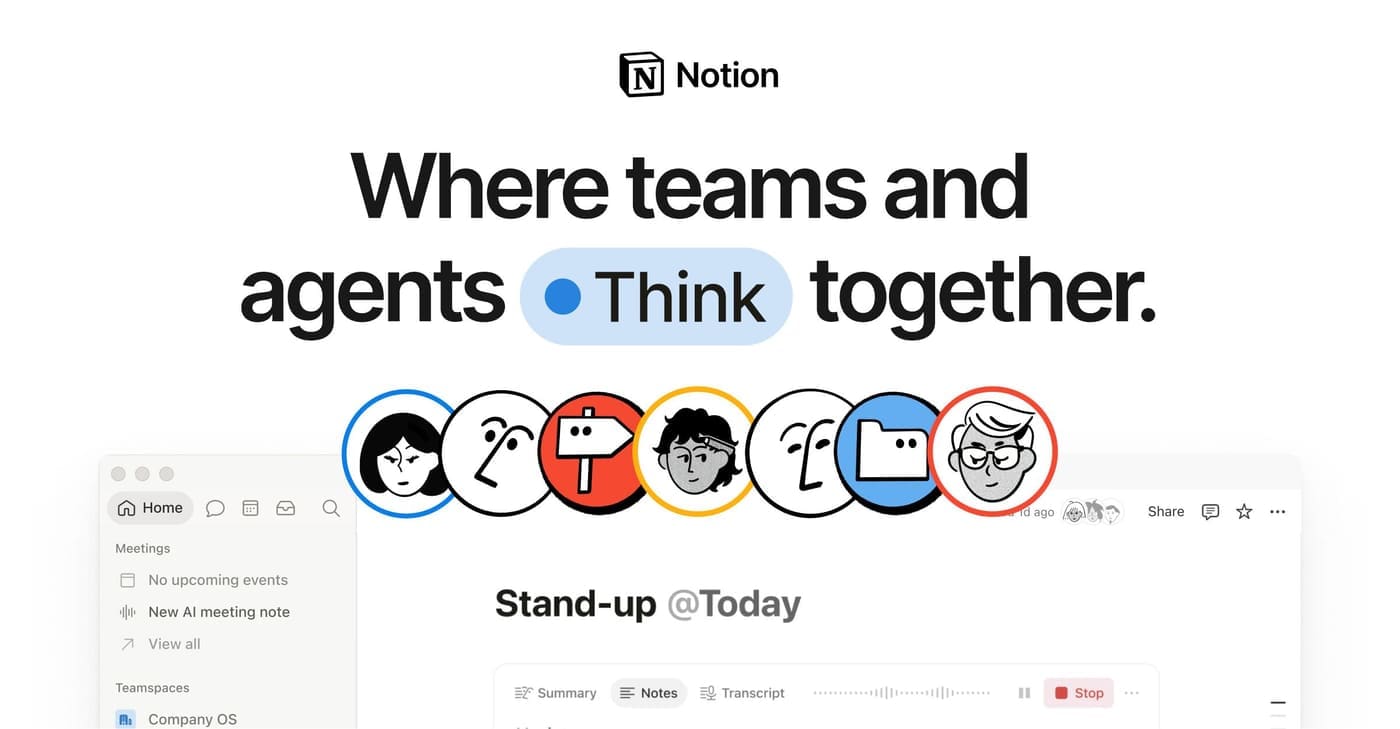
AI where your notes already live is a real convenience — summarise this page, draft in this doc, answer from this workspace. Whether it's worth a separate add-on fee on top of your Notion plan depends entirely on how much of your life is actually in Notion.
- Type
- AI add-on inside the Notion workspace
- Best for
- Teams and individuals who live in Notion all day
- Pricing note
- Separate add-on fee per member
Reasons to buy
- Works directly on your own pages and databases — context no external chatbot has
- Workspace Q&A can genuinely find that thing you wrote somewhere
- Drafting inside the doc beats copy-pasting from a chat window
Reasons to avoid
- Priced as an add-on per member, on top of the plan you already pay for
- The models behind it trail the frontier assistants noticeably
- Value collapses if Notion is only one of several places you keep things
Add-on pricing is a genre of software decision all its own: you are not judging a product so much as a feature bolted to something you already pay for, and the fair comparison is not against rival chatbots but against the friction it removes from a place you sit in anyway. Notion AI clears that bar better than most, because an assistant that can see your actual workspace answers questions no outside chatbot can.
'What did we decide about pricing in March?' works when the meeting notes are three folders deep in Notion and the AI can go and look. Summarising a sprawling page, turning meeting scribbles into action items, drafting inside the document you are already in instead of copy-pasting out of a chat window — the friction those remove is small each time and constant, which is precisely the shape of benefit people underrate while comparing feature lists and appreciate once they have it.
The two catches are the model and the meter. The intelligence behind it is serviceable rather than frontier — for hard reasoning or prose you actually care about you will still open a dedicated assistant, which means the add-on does not replace that subscription, it joins it. And it is charged per member on top of the plan you already hold, so a team pays for the convenience once for every person on the roster. That compounds quietly into real money for what is, honestly, a convenience layer rather than a capability you could not get elsewhere.
There is also a quality-of-input problem the marketing never mentions: an assistant that reads your workspace inherits your workspace's mess. Duplicated pages, three versions of the same document with no indication which is current, decisions recorded in comment threads rather than in the page — feed all that to a search-and-summarise tool and it will confidently surface the wrong version, because nothing in the workspace tells it which one won. The teams who get the most from this are the ones whose documentation was already tidy, which is an unfair but consistent pattern.
The permissions question deserves a deliberate look before a team turns it on. Workspace Q&A is only as safe as the access boundaries around it — an assistant that answers from everything a member can see will happily surface something that was technically visible but practically forgotten, from salary discussions to a half-finished restructuring page. That is not a flaw in the tool; it is an audit of sharing settings nobody has looked at in two years. Do that audit first, not after somebody asks the assistant an awkward question.
So audit yourself before buying, and be unsentimental about it. Open Notion and ask whether it is genuinely your system of record or one of four places things end up — the answer is usually visible in where last week's real decisions actually got written down. If it is the system of record, the add-on removes enough daily friction to defend its line on the bill, and teams drowning in their own documentation feel that fastest. If it is not, an AI that can only see a fraction of your life will keep disappointing you in ways no upgrade fixes, and the general assistant you already pay for is the better home for the money. The cheaper move, in that case, is fixing where your notes live first and buying the AI that sits on top second.
How we tested
The Notion AI was scored against the same written rubric we apply to every Writing & Productivity product — real-world performance, build quality, ease of use, upkeep and value. Full protocol on our How We Test page.