
The Subscription Question: Which AI Tools Actually Earn Their Keep
Every AI product now costs about the same monthly bite, which makes them look interchangeable on a bank statement. They are not. A few replace real spending; most replace nothing and quietly become the gym membership of software.

Our ratings at a glance
| Award | Product | Score | Price | |
|---|---|---|---|---|
| Earns It Broadly | ChatGPT PlusOpenAI | 9.2/10 | — | |
| Earns It at Volume | ElevenLabsElevenLabs | 9.0/10 | — | |
| Earns It in Hours | DescriptDescript | 8.4/10 | — | |
| Earns It Conditionally | Notion AINotion | 7.2/10 | — | |
| Not Yet | Microsoft Copilot ProMicrosoft | 6.8/10 | — | |
| Teams Only | JasperJasper | 6.6/10 | — |
The test: what does it replace?
A subscription earns its line when it displaces something that costs more — money or hours. Voice generation replacing narration budgets, transcript editing replacing edit-suite afternoons, an assistant replacing a category of small tasks daily: these pay for themselves visibly. A subscription that merely adds a nice-to-have to your week is the one you'll still be paying for, unused, next spring.
Where the overspend hides
The pattern we see most: one general assistant, plus a writing tool the assistant duplicates, plus a niche AI app bought after a demo video, plus an add-on inside a workspace tool. The general assistant covers sixty to eighty percent of what the others do. Audit for duplication first — cancelling redundancy funds every upgrade you'd actually feel.
Specialists earn their fee only at volume
The specialist tools on this list are genuinely better than the generalists at their one job. That superiority matters at volume — the weekly podcast, the monthly narration project — and evaporates for occasional use, where the generalist's built-in version is free-enough. Buy specialists for workloads, not aspirations.
Earns It Broadly: ChatGPT Plus
The one subscription that displaces a little of everything. If you pay for exactly one AI product, the argument for this one is shortest.
ChatGPT Plus

- Type
- General-purpose AI assistant, subscription
- Best for
- First AI subscription; broadest coverage
- Free tier
- Yes — capable, with tighter limits
Still the default answer to 'which AI subscription should I get first' — not because it wins every single task, but because it does the most things well enough that you stop opening other tabs. The caveats are real: usage limits shift, and the product changes under you.
Reasons to buy
- The broadest feature set in one subscription — chat, voice, images, file analysis
- Custom GPTs let you save your own repeatable workflows
- Voice conversation mode is genuinely useful hands-free, not a gimmick
- Improvements arrive here first and often
Reasons to avoid
- Usage caps on the best models change without much warning
- The product changes so often that workflows built on it can break
- Privacy defaults deserve more attention than most subscribers give them
- Long documents are handled better by some competitors
Earns It at Volume: ElevenLabs
Replaces actual production budget for anyone shipping narrated content regularly. Occasional users should stay on the free allowance.
ElevenLabs
- Type
- AI voice generation and cloning, tiered subscription
- Best for
- Creators producing narration, audiobooks, multilingual content
- Free tier
- Yes — small allowance, non-commercial
The clear quality leader in AI voice — narration that ordinary listeners don't clock as synthetic. Priced by the character with tiers that creators outgrow fast, and powerful enough that the ethics of voice cloning are your responsibility to take seriously.
Reasons to buy
- Best-in-class naturalness — pacing, breath, emphasis
- Voice cloning from modest samples actually sounds like the person
- Multilingual output opens content to audiences you couldn't afford to reach
- Straightforward API for anyone building on top
Reasons to avoid
- Character-based pricing punishes long-form work — do the math on your word count first
- Long narrations need chunking and occasional regeneration to stay consistent
- Clone only voices you have rights to — the tool won't police it for you
- Commercial-use terms differ by tier; check before shipping paid work
Earns It in Hours: Descript
Pays its fee in reclaimed editing time from the first podcast episode. The rare tool whose value shows up the same week.
Descript
- Type
- Transcript-based audio/video editor, subscription
- Best for
- Podcasts, interviews, courses, talking-head video
- Free tier
- Yes — enough to test the workflow
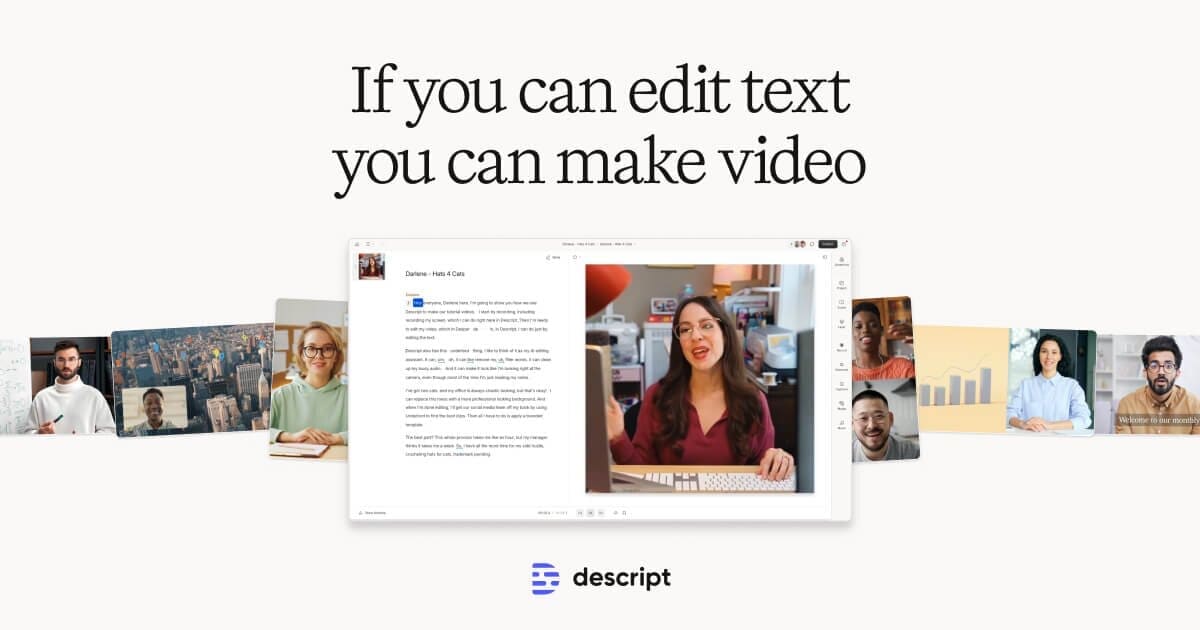
Editing audio and video by editing the transcript is one of those ideas that instantly obsoletes the old way — for talk content. Podcasters and course-makers should switch and not look back; anyone whose edits are about visuals rather than words still needs a traditional editor.
Reasons to buy
- Delete the sentence, delete the take — transcript editing is that direct
- Filler-word removal and studio-quality voice cleanup save real hours
- Overdub-style correction fixes a flubbed word without re-recording
- Collaboration feels like a doc, not a render pipeline
Reasons to avoid
- Long multi-track projects can get sluggish — heavy editors feel it
- Visual-first editing (action, music timing, effects) isn't the paradigm here
- Transcript accuracy sets the ceiling — bad audio in, fiddly session out
- Occasional export quirks reward keeping expectations, and backups, sensible
Earns It Conditionally: Notion AI
Worth the add-on only if Notion is truly your system of record. If it's one of four places things end up, skip.
Notion AI
- Type
- AI add-on inside the Notion workspace
- Best for
- Teams and individuals who live in Notion all day
- Pricing note
- Separate add-on fee per member
AI where your notes already live is a real convenience — summarise this page, draft in this doc, answer from this workspace. Whether it's worth a separate add-on fee on top of your Notion plan depends entirely on how much of your life is actually in Notion.
Reasons to buy
- Works directly on your own pages and databases — context no external chatbot has
- Workspace Q&A can genuinely find that thing you wrote somewhere
- Drafting inside the doc beats copy-pasting from a chat window
Reasons to avoid
- Priced as an add-on per member, on top of the plan you already pay for
- The models behind it trail the frontier assistants noticeably
- Value collapses if Notion is only one of several places you keep things
Not Yet: Microsoft Copilot Pro
The right idea billed before it was dependable. Check back when the integration stops wobbling; until then the free tier tells you enough.
Microsoft Copilot Pro

- Type
- AI assistant integrated with Microsoft 365, subscription
- Best for
- Heavy Office users willing to ride out rough edges
- Note
- Office integration needs a separate Microsoft 365 plan
AI inside Word, Excel and Outlook is the most obviously useful pitch in the category, which makes the uneven execution the more frustrating. Some days it drafts your document in your document; other days it's a chatbot wearing an Office costume. Wait, unless the Office integration is your entire reason for buying.
Reasons to buy
- Works inside the Office apps where documents actually live
- Draft-in-Word and summarise-in-Outlook, when they land, feel like the future
- The underlying models are first-rate
Reasons to avoid
- Requires a Microsoft 365 subscription on top for the Office features — the real price is the stack
- Integration depth varies wildly between apps; Excel trails the demos
- Quality inconsistency undermines the trust an office tool needs
- Standalone Copilot chat is free and covers much of what casual users want
Teams Only: Jasper
Sells governance, not writing quality. Below content-team scale, a general assistant plus a style guide does the job for far less.
Jasper

- Type
- AI content platform for marketing teams
- Best for
- Content teams producing at volume under brand rules
A marketing-content platform that made sense when access to good AI writing was scarce, now selling structure and brand-voice management in a world where the raw ability costs a fraction as much. Useful for content teams with volume and governance needs; hard to justify for anyone smaller.
Reasons to buy
- Brand-voice and campaign tooling built for teams, not individuals
- Templates impose useful structure on junior writers' output
- Plays well with marketing workflows rather than living in a chat tab
Reasons to avoid
- Team-tier pricing for ability a cheap general assistant mostly matches
- The moat is workflow, not writing quality — and workflow copies fast
- Output still needs the same human editing pass everything AI-written does
- Solo creators outgrew the value proposition when chatbots got good
How we tested
Every product in this guide was scored against the same written rubric for its category, by the same testers, using the products the way you would at home. Read the full protocol on our How We Test page. This guide was last verified July 29, 2026 — when a pick slips, we change the ranking and say so here.